Build an Angular Topic Viewer: Series Overview
/ 2 min read
Table of Contents
Welcome! In this series we will build Topic Viewer, a small Angular application for tracking subjects that you are learning.
This is not a copy-everything-at-once tutorial. We will build one feature at a time, pause to understand it, and check that it works before moving forward.
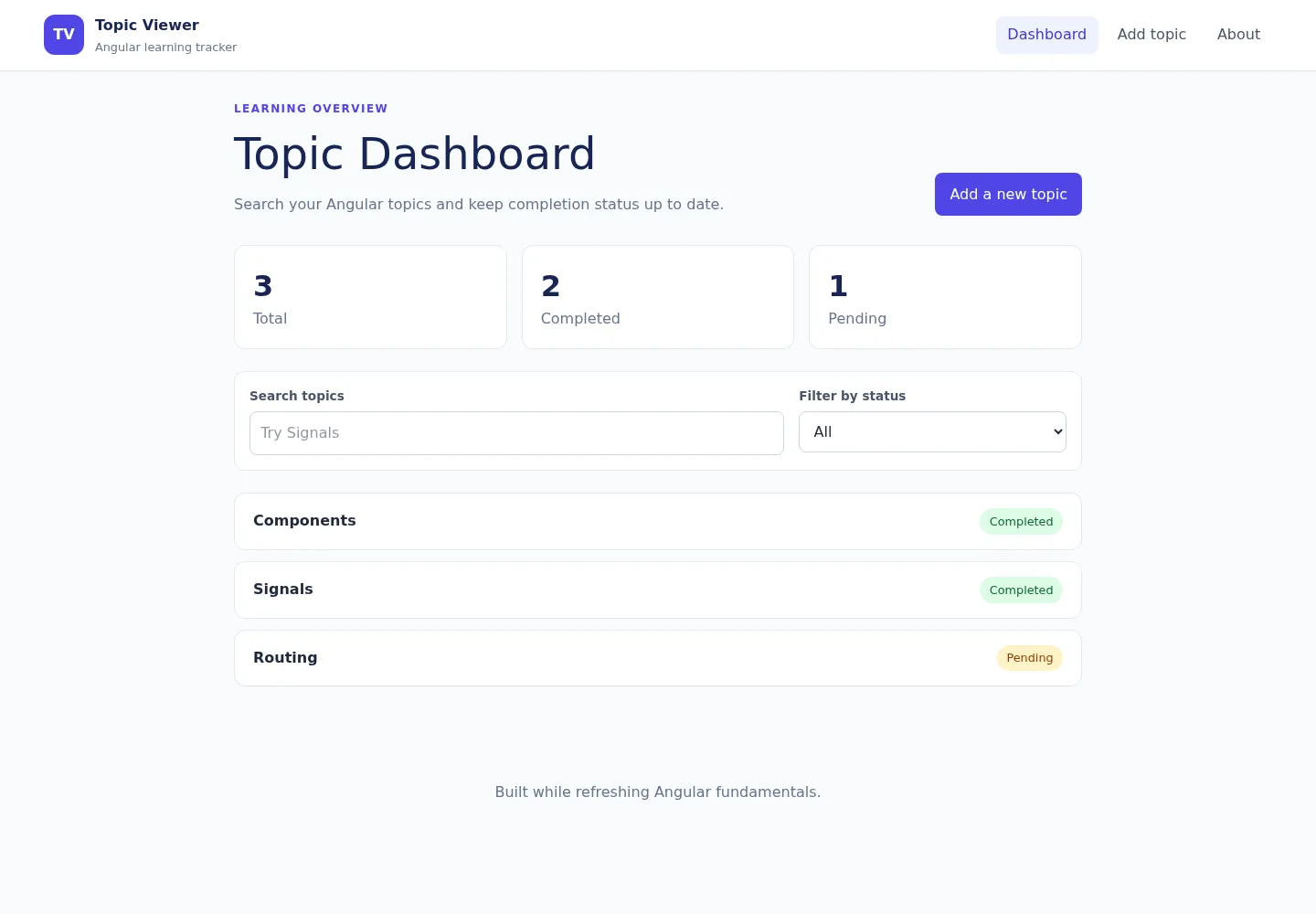
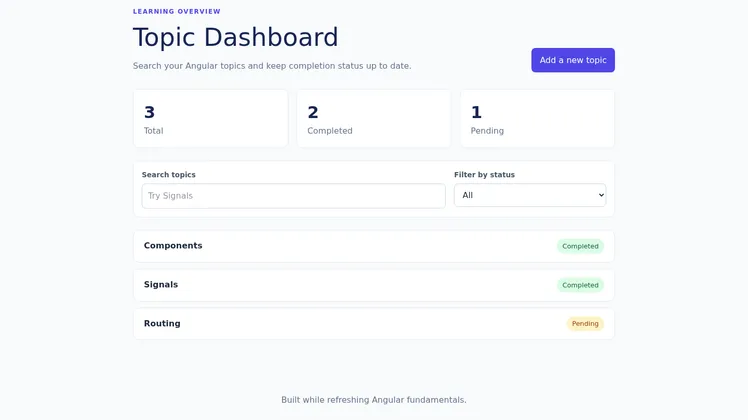
What we are building
By the end, the application will let you:
- view learning topics on a dashboard;
- search and filter topics;
- open a topic details page;
- add, edit, complete, and delete topics;
- keep data after refreshing the browser;
- render useful HTML on the server; and
- verify important behavior with tests.
You can inspect the completed project at barmao/topic-viewer.
What you will learn
| Lesson | Angular idea | What we add |
|---|---|---|
| 1 | Components and signals | Reactive text and a reusable child component |
| 2 | Routing | Dashboard, About, and topic detail pages |
| 3 | Services and dependency injection | Shared topic data and operations |
| 4 | Signal state | Derived counts and browser persistence |
| 5 | Reactive forms | A validated Add Topic form |
| 6 | SSR and hydration | Server-rendered HTML that becomes interactive |
| 7 | Putting it together | Search, filtering, CRUD, styling, and tests |
Before you begin
Install a current Node.js LTS release, then check it:
node --versionnpm --versionCreate the project with routing and server-side rendering enabled:
npx @angular/cli new topic-viewer --routing --ssr --style=csscd topic-viewernpm startOpen http://localhost:4200.
How each lesson works
Every lesson contains:
- A small goal.
- A short explanation of the Angular concept.
- Code for you to write.
- A prediction question.
- A visible checkpoint.
- Common errors and a small challenge.
Try the task before opening any hidden answer. The pause is part of the learning.
Ready?
Start with the basic building block of every Angular application: a component.
Series: Overview · Lesson 1: Components and signals