Angular 2: Routing Between Pages
/ 2 min read
Table of Contents
Our first component works, but a real application needs different screens. In this lesson, URLs will decide which page Angular displays.
The routing mental model
The root component becomes a permanent application shell. Angular renders the matched page inside <router-outlet>.
URL -> route configuration -> page component -> router outlet1. Generate pages
ng generate component pages/homeng generate component pages/aboutng generate component pages/topic-detail2. Configure lazy routes
In src/app/app.routes.ts:
import { Routes } from '@angular/router';
export const routes: Routes = [  {    path: '',    loadComponent: () =>      import('./pages/home/home').then(module => module.Home)  },  {    path: 'about',    loadComponent: () =>      import('./pages/about/about').then(module => module.About)  },  {    path: 'topics/:id',    loadComponent: () =>      import('./pages/topic-detail/topic-detail').then(        module => module.TopicDetail      )  },  { path: '**', redirectTo: '' }];
loadComponent lazy-loads a page when it is needed. :id is a route parameter, so /topics/1 and /topics/25 use the same component with different IDs.
3. Add the shell
Import RouterLink, RouterLinkActive, and RouterOutlet in app.ts, then use them in app.html:
<nav>  <a    routerLink="/"    routerLinkActive="active"    [routerLinkActiveOptions]="{ exact: true }"  >Dashboard</a>  <a routerLink="/about" routerLinkActive="active">About</a></nav>
<router-outlet />
Why does the Dashboard link use exact matching?
The path / is a prefix of every URL. Exact matching prevents Dashboard from appearing active on /about and /topics/1.
4. Read the ID
In the detail component, convert the router’s observable parameter into a signal:
private readonly route = inject(ActivatedRoute);
protected readonly topicId = toSignal(  this.route.paramMap.pipe(    map(params => Number(params.get('id')))  ),  { initialValue: 0 });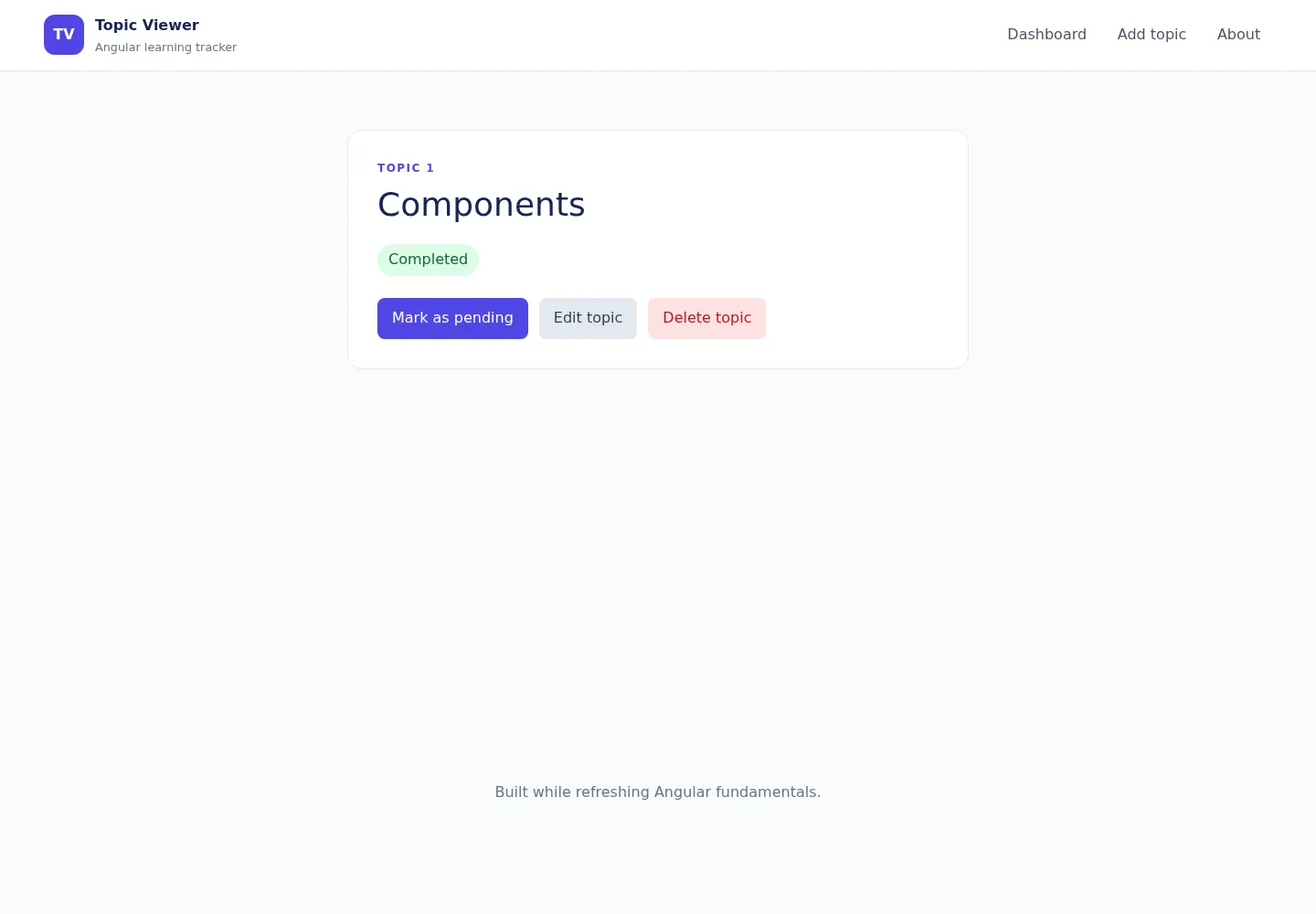
Checkpoint
Visit /, /about, and /topics/1. The shell remains while the page inside the outlet changes.
Small challenge
Add links to topic IDs 1 and 2. Confirm that navigating between them updates the parameter without rebuilding the entire application.
Navigation: Previous: Components · Series overview · Next: Services