Angular 6: SSR and Hydration
/ 2 min read
Table of Contents
Angular can create HTML in the browser, during the build, or on a server for each request. This lesson makes those choices less mysterious.
Normal browser rendering
Browser requests page-> receives a small HTML shell and JavaScript-> JavaScript starts Angular-> Angular builds the pageServer-side rendering
Browser requests /about-> Express receives the request-> Angular renders useful HTML on the server-> browser displays that HTML-> Angular hydrates it-> the page becomes interactiveHydration means Angular reuses the server-created HTML and attaches application behavior instead of throwing the HTML away and rebuilding it.
The two entry points
Browser -> src/main.tsServer -> src/main.server.tssrc/server.ts receives HTTP requests and gives them to Angular’s server engine.
Choose render modes by route
export const serverRoutes: ServerRoute[] = [ { path: 'topics/:id/edit', renderMode: RenderMode.Client }, { path: 'topics/:id', renderMode: RenderMode.Client }, { path: 'about', renderMode: RenderMode.Server }, { path: '**', renderMode: RenderMode.Prerender }];- Client: render in the browser.
- Prerender: create static HTML during
npm run build. - Server: create HTML for each request.
Why not automatically prerender topics/:id?
The build does not know every possible ID. Supply getPrerenderParams() with known IDs or choose Client/Server rendering.
Make hydration visible
protected readonly hydrationStatus = signal('Server-rendered HTML');protected readonly currentTime = signal('Loading...');
constructor() {  afterNextRender(() => {    this.hydrationStatus.set('Hydrated and interactive');    this.currentTime.set(new Date().toLocaleTimeString());  });}
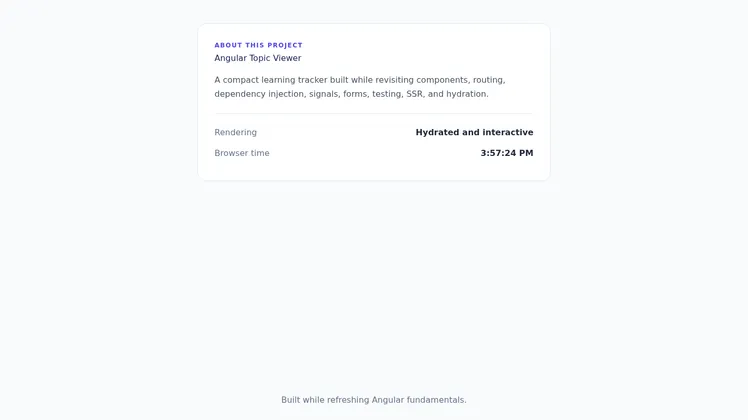
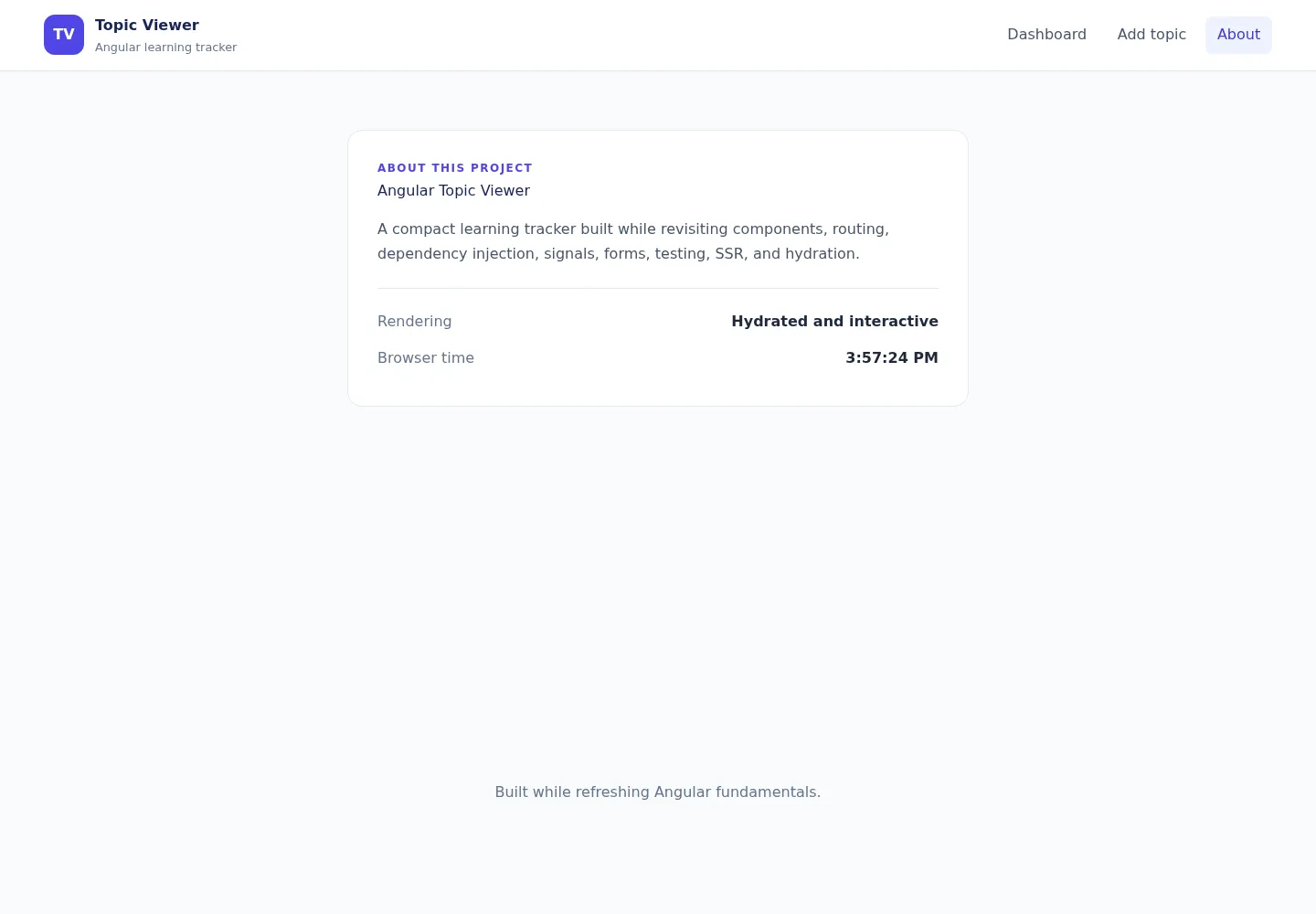
The initial values are stable on both server and browser. Time appears only after browser rendering, avoiding a hydration mismatch.
Checkpoint
npm run buildnpm run serve:ssr:topic-viewerOpen /about. Its HTML should contain useful content before browser JavaScript makes it interactive.
Small challenge
Choose an appropriate render mode for a public marketing page, a user-only settings page, and a product page updated every minute. Explain each choice.
Navigation: Previous: Forms · Series overview · Next: Finish the app