Angular 7: Finish and Test the App
/ 2 min read
Table of Contents
This final lesson turns our Angular exercises into one small but complete product.
1. Add dashboard filters
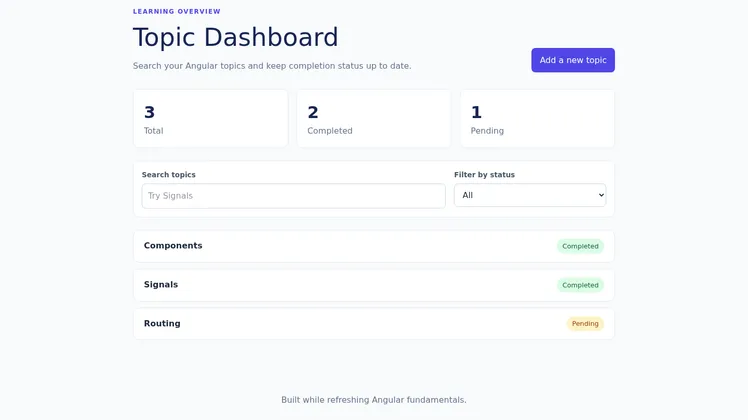
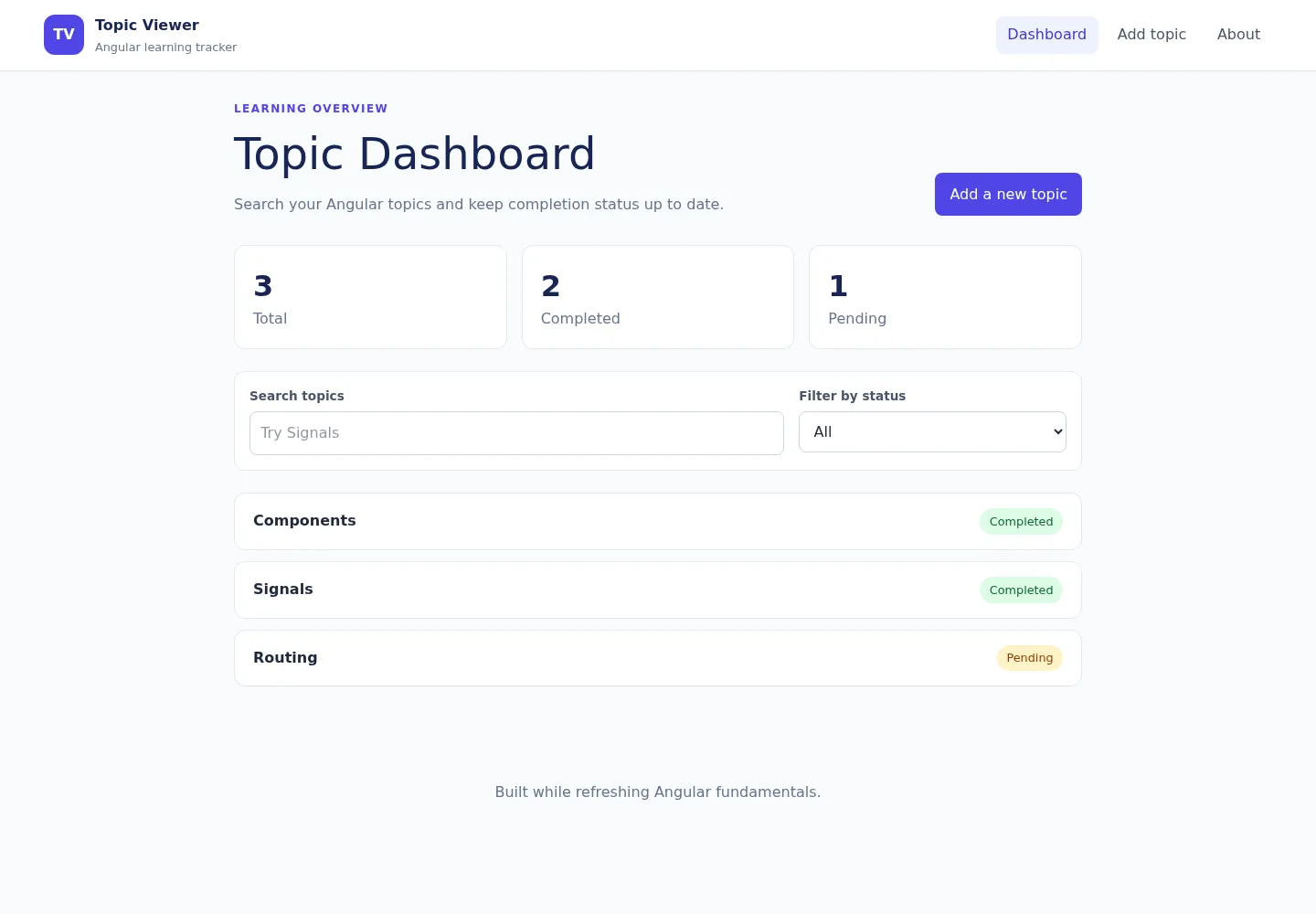
Search and filter values belong to the Home page because they describe that page’s current interface, not shared application data.
type TopicFilter = 'all' | 'completed' | 'pending';
protected readonly searchTerm = signal('');protected readonly statusFilter = signal<TopicFilter>('all');
protected readonly filteredTopics = computed(() => {  const search = this.searchTerm().trim().toLowerCase();  const status = this.statusFilter();
  return this.topics().filter(topic => {    const matchesSearch = topic.name.toLowerCase().includes(search);    const matchesStatus =      status === 'all' ||      (status === 'completed' && topic.completed) ||      (status === 'pending' && !topic.completed);
    return matchesSearch && matchesStatus;  });});
Render the results with Angular control flow:
<ul> @for (topic of filteredTopics(); track topic.id) { <li> <a [routerLink]="['/topics', topic.id]">{{ topic.name }}</a> <span>{{ topic.completed ? 'Completed' : 'Pending' }}</span> </li> } @empty { <li>No matching topics found.</li> }</ul>track topic.id helps Angular preserve the correct DOM element when the list changes.
2. Complete CRUD
CRUD means:
Create -> addTopic()Read -> findById()Update -> updateTopic()Delete -> deleteTopic()Keep these operations in the service. Components collect user intent, call the service, and navigate or display feedback.
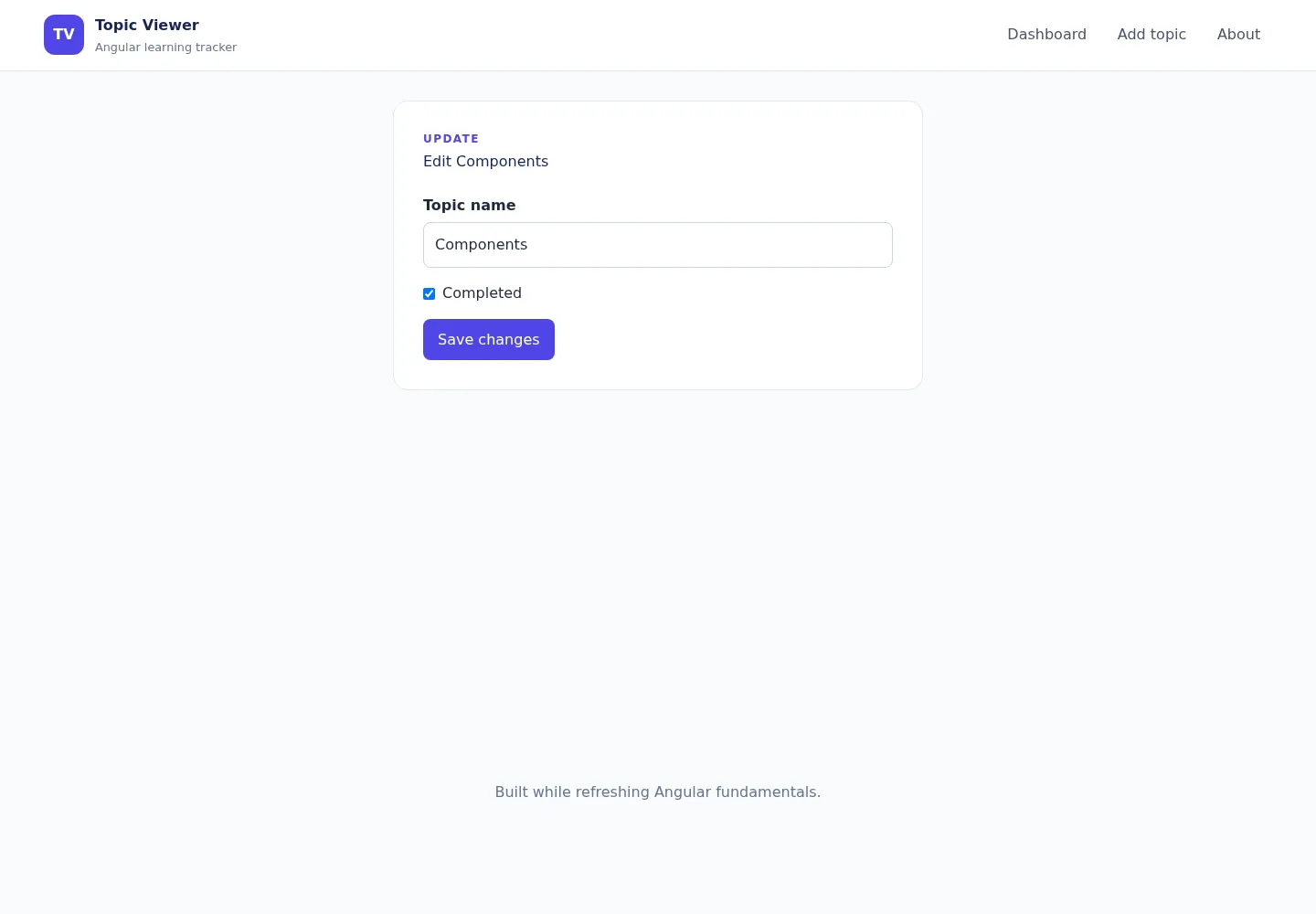
Before deleting, ask for confirmation. After a successful deletion, navigate to the dashboard so the user is not left on a missing detail page.
3. Polish the interface
Use a small design system instead of styling each element randomly:
- one primary color;
- consistent spacing values;
- clear type sizes;
- visible focus styles;
- green for completed, amber for pending, red for destructive actions;
- responsive widths rather than fixed desktop-only layouts.
4. Test behavior
Focus tests on outcomes:
- search and status filtering;
- empty list states;
- service create, update, and delete behavior;
- validation messages;
- submission and navigation;
- cancelled and confirmed deletion;
- route parameter handling.
Run the full checks:
npm test -- --watch=falsenpm run buildThe production build is especially important in an SSR application because it catches server-route and browser-API problems that may not appear during normal navigation.
Final checklist
- Dashboard lists topics.
- Search and status filters work together.
- Add, detail, edit, toggle, and delete flows work.
- Refreshing preserves browser state.
- Invalid forms explain what needs fixing.
- The About page demonstrates hydration.
- Tests and the production build pass.
Where to go next
Replace localStorage with a real API. That naturally introduces HttpClient, RxJS request flows, loading and error states, optimistic updates, HTTP tests, authentication, and interceptors.
Compare your work with the completed Topic Viewer repository.
Navigation: Previous: SSR · Series overview